
E-ticaretinizi Güçlendiren Pazarlama Araçları
E-ticaret sitenize özel geliştirdiğimiz pazarlama araçları, satış sürecinizi hızlandırır, müşteri deneyimini iyileştirir ve dönüşüm oranınızı artırır.
Karmaşık yazılımlara gerek kalmadan, ihtiyacınıza özel çözümlerle rakiplerinizin önüne geçin.
 14 Gün Ücretsiz Tüm Altyapılarla Uyumlu Kolay Kurulum
 Tüm Popüler Altyapılarla Uyumlu
Kullandığınız altyapı fark etmez; Shopify, ikas, IdeaSoft ve tüm popüler altyapılarla sorunsuz entegrasyon sağlar.


Uygulamalarımız
Oyunlaştırılmış Pazarlamayla Daha Fazla Satış
-
Dönüşüm Oranınızı Artırın
Ziyaretçilerinizi eğlenceli bir oyunla satın almaya yönlendirerek dönüşüm oranınızı yükseltin.
-
Sepet Terkini Azaltın
Siteden ayrılmak üzere olan müşterilere özel teklifler sunarak sepet terkini minimize edin.
-
E-posta Listenizi Büyütün
Oyun ve kuponlarla kullanıcı bilgilerini toplayıp organik e-posta listenizi büyütün.
-
Müşteri Etkileşimini Güçlendirin
Eğlenceli modüllerle ziyaretçilerin ilgisini canlı tutarak site içi etkileşimi artırın.
-
Ortalama Sepet Tutarını Yükseltin
Kazananlara hedefli teklifler sunarak ortalama sepet tutarını yükseltin.
-
Marka Sadakati Yaratın
Oyunlaştırılmış deneyimlerle ziyaretçilerin markanızla bağını güçlendirip tekrar alışverişi teşvik edin.
Rakamlarla Raktive
Projeniz için Esnek ve Hızlı Çözümler
İkas Start - Hızlı Başlangıç Paketi
ikas Start Hızlı Başlangıç Paketi ile e-ticarete şimdi adım atın. Ücretsiz e-ticaret sitesi kurulum süreçlerini uzmanına devredin, mağazanız satışa hemen başlasın.
Hemen Satın Alİkas Growth - Profesyonel Büyüme Paketi
ikas Growth Paketi ile sınırları aşın ve global pazara açılın. Çoklu dil, pazarlama ve otomasyon kurulumlarıyla e-ihracat süreçlerinizi profesyonelleştiriyoruz.
Hemen Planla
E-ticarette oyunlaştırma ile rakiplerinizden sıyrılmak ister misiniz?
Hemen BaşlayınBlog Yazılarımızla E-Ticarette Büyümek İçin İlham Alın
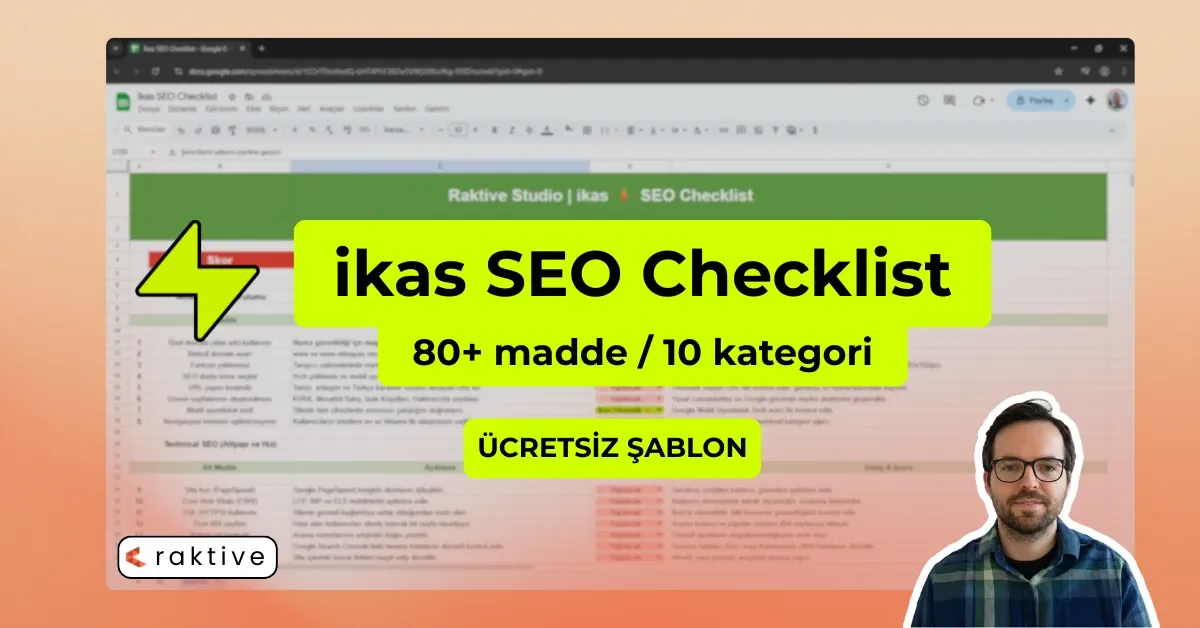

Sıkça Sorulan Sorular
Raktive'in e-ticaret sitenize nasıl değer kattığını keşfetmek için sorularınızı yanıtladık.
Raktive ne yapar?
PopülerRaktive, e-ticaret siteleri için pazarlama araçları ve dijital reklam danışmanlığı sunan bir platformdur, satışları artırmak ve kullanıcı deneyimini geliştirmek için çözümler üretir.
Hangi e-ticaret platformlarını destekliyorsunuz?
PopülerShopify, WooCommerce, Wix, Ticimax, IdeasSoft ve diğer tüm popüler platformlarda destek sağlıyoruz.
Uygulamaları aynı anda birden fazla sayfada kullanabilir miyim?
PopülerEvet, yazı tura, kazı kazan, kelime bulma gibi oyunları istediğiniz sayfada veya kampanya alanında eş zamanlı olarak kullanabilirsiniz.
E-posta listesi toplamak mümkün mü?
PopülerEvet, oyun ve kupon entegrasyonlarıyla organik olarak kullanıcı bilgisi toplayabilir ve e-posta listenizi büyütebilirsiniz.
Oyunlardan kazanılan kuponları nasıl yönetebilirim?
PopülerTüm kuponlar ve indirimler Raktive panelinden kolayca görüntülenebilir, kullanılabilir ve tarih aralıkları ayarlanabilir.
Pazarlama araçlarını özelleştirebilir miyim?
Evet, renk, metin, kazanma oranı ve teklifleri kolayca özelleştirebilirsiniz; markanızın temasına uyum sağlar.
Kampanya performansını nasıl takip edebilirim?
Raktive analitik entegrasyonu sayesinde oyun ve reklam kampanyalarınızın performansını detaylı olarak takip edebilirsiniz.
Pazarlama araçları mobil uyumlu mu?
Evet, tüm oyunlaştırma eklentilerimiz mobil ve masaüstü cihazlarda sorunsuz çalışır.
Pazarlama araçları siteyi yavaşlatır mı?
Hayır, tüm araçlarımız optimize edilmiştir ve site hızını etkilemeden çalışır.
Destek alabilir miyim?
Evet, eklenti kurulumu ve reklam danışmanlığı sürecinde 1 haftalık ücretsiz destek ve küçük optimizasyonlar sunuyoruz.
Sorunuzun cevabını bulamadınız mı? Hemen bizimle iletişime geçin ve size yardımcı olalım.
Bize Ulaşın